Quick Takeaways
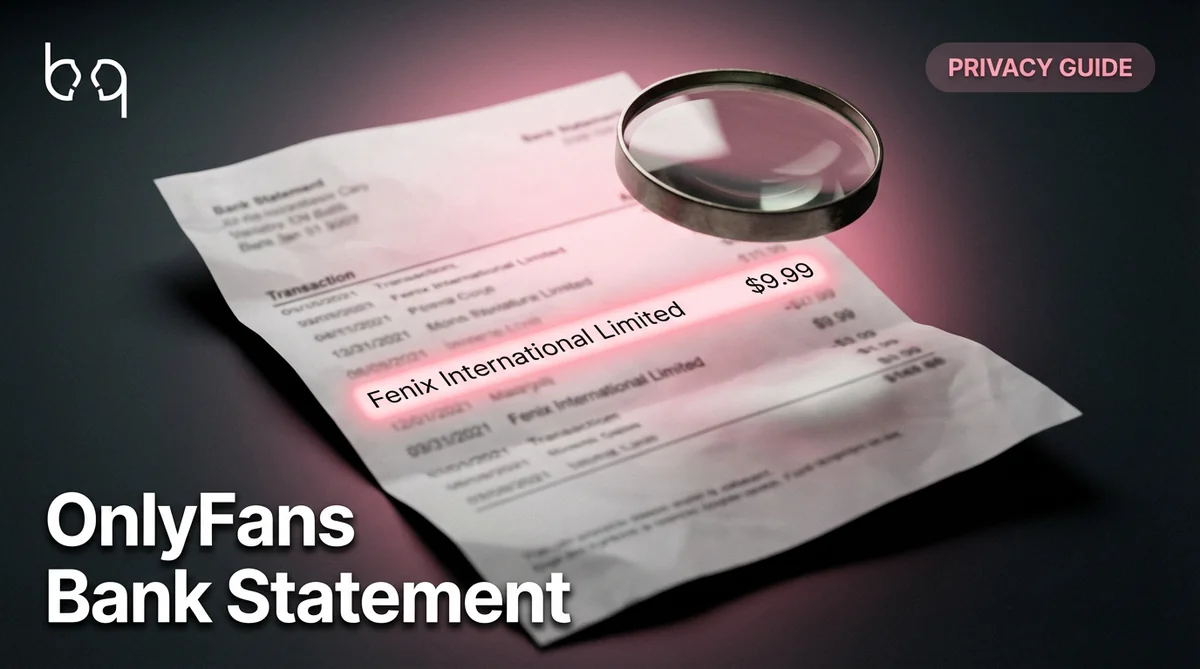
What does OnlyFans show up as on bank statement? "Fenix International Limited" — that's the parent company name, and it's what most banks display. Not "OnlyFans." Not your creator name. But that's only half the answer — and the half that most guides get wrong. Some banks display "ONLYFANS.COM*" followed by a letter code. Others show "CCBill.com *OnlyFans." PayPal transactions say "PAYPAL *ONLYFANS...
What OnlyFans Looks Like on Your Bank Statement
The exact descriptor depends on your bank and payment method. Here are the real names that appear — not guesses, but confirmed from bank screenshots shared across Reddit, Quora, and creator communities.
The $0.10 free subscription trap: even if you subscribe to a free OnlyFans page, a $0.10 verification charge hits your bank. It shows as Fenix International — but if someone checks your statement, the charge is there. Free doesn't mean invisible.
| Payment Method | What Appears on Statement | Shows OnlyFans? |
|---|---|---|
| Debit/credit card (most common) | Fenix International Limited | No — just the parent company name |
| Some US banks | ONLYFANS.COM*A or ONLYFANS.COM*B or ONLYFANS.COM*G | Yes — includes OnlyFans in the name |
| CCBill processor | CCBill.com *OnlyFans | Yes — clearly visible |
| PayPal | PAYPAL *ONLYFANS | Yes — in plain text |
| Apple Pay | APPLE.COM/BILL with OnlyFans reference | Sometimes — varies by bank |
| Free subscription ($0 page) | $0.10 verification charge as Fenix International | Not by name, but the charge still appears |
| Tip or PPV purchase | Same descriptor as subscription | Depends on bank |
How to Hide OnlyFans on Your Bank Statement
This is the section people actually came here for. If you don't want OnlyFans — or anything resembling it — on your bank records, here are the methods that work.
Do NOT use PayPal. It displays PAYPAL *ONLYFANS in plain text on your statement — the most obvious descriptor of any payment method. If privacy matters, PayPal is the worst option.
Use a virtual card service
Privacy.com (US) lets you create virtual debit cards with custom billing names. The charge shows as whatever you name the card — not Fenix International, not OnlyFans. This is the #1 recommendation across every Reddit thread on this topic. Free tier gives you 12 cards/month.
Use a prepaid debit card
Buy a prepaid Visa or Mastercard at any store with cash. Load it, use it for OnlyFans, and the charges never touch your main bank account. No name, no trail.
Use cryptocurrency
OnlyFans doesn't accept crypto directly, but you can buy prepaid cards with crypto through services like Bitrefill. The chain is: crypto wallet to prepaid card to OnlyFans. No bank statement entry at all.
Open a separate bank account
A second checking account at a different bank, used only for OnlyFans. Your main account stays clean. Most online banks let you open an account in minutes with no minimum balance.
What OnlyFans Payouts Look Like on Creator Bank Statements
This section is for creators, not fans. If you're earning on OnlyFans, here's how your payouts appear — and why it matters for your financial life.
OnlyFans and Mortgage Applications
This comes up constantly — and it's the question nobody else answers. If you're applying for a mortgage, car loan, or apartment lease, will OnlyFans income or charges cause problems?
Frequently Asked Questions
Most banks display OnlyFans charges as 'Fenix International Limited' — the parent company name. Some banks show 'ONLYFANS.COM' with a letter code, and PayPal shows 'PAYPAL *ONLYFANS' in plain text. The exact descriptor varies by bank and payment method.
Use Privacy.com virtual cards (custom billing names), prepaid debit cards bought with cash, or a separate bank account. Avoid PayPal — it shows 'PAYPAL *ONLYFANS' clearly. Virtual cards are the most reliable method.
Yes. Even free subscriptions trigger a $0.10 verification charge that appears as 'Fenix International' on your statement. Free does not mean invisible.
For fans: charges on your statement may be flagged by underwriters as irregular spending but are legal. For creators: OnlyFans income is accepted as self-employment income with 12+ months of consistent deposits and filed tax returns.
Summary
OnlyFans shows as 'Fenix International Limited' on most bank statements. But some banks and payment methods — especially PayPal — display 'OnlyFans' clearly. You can't control what your bank shows. If privacy matters, use a virtual card from Privacy.com or a prepaid debit card. If you're a creator, keep your payout finances separate and document your income for taxes and loan applications. For the...
Join the creator community
DMCA strategies, safety tips, and growth advice — free on Telegram.
Need help setting up your creator finances privately?
AURUM helps creators manage their OnlyFans business — including payout setup, tax planning, and privacy architecture.